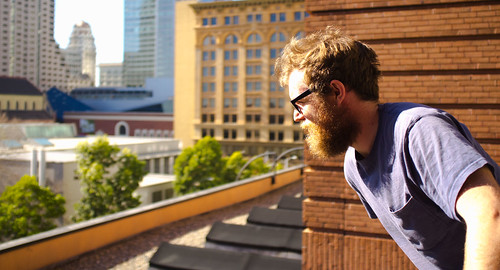
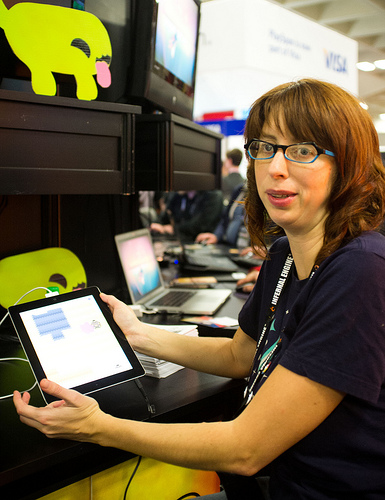
Jordan Fehr is Joining the Incredipede team as the game’s sound designer. I’m a big fan of his work. He’s done a great job on other games like Super Meat Boy, Snapshot, Jamestown and others.
He asked me to describe my vision for the game. Which I haven’t really articulated here so I thought I’d share my response:
If you haven’t watched my Sense of Wonder Night presentation start there. I talk about the birth of the game. At its heart it’s about life and the wonder of the variety of life.
That’s why it’s set somewhere between the age of discovery in the 1600s and the Victorian era of the 1850s.
That was a time when the world was still open and unfound. When exotic beasts and men existed in rumor and sketch. Imagine the feeling of possibility. Imagine what you could believe.
The gameplay is about raw creation. The goals and levels only exist to goad you into creating. The point is to make something that you didn’t know existed. To delight yourself at your own creativity and ingenuity.
That raw creativity is wrapped in the (metaphorical) language of nature, life, and exploration to give it vitality. Why fiddle with nuts and gears and bolts when you can pull at the wet strings of life?
Hello to you sirs and madames. I would like to introduce you to a talented young man by the name of Thomas Shahan.
I found Thomas through a lucky turn of chance while I was perusing Wikipedia.
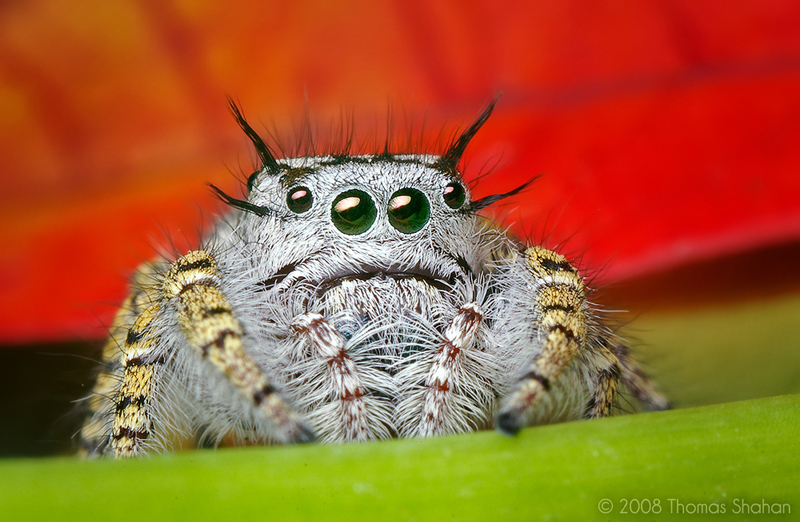
Phidippus mystaceus by Thomas Shahan
I was looking up jumping spiders while we were in the Philippines because we had a lot of beautiful spiders running around. His astounding Phidippus Mystaceus picture caught my eye and I absent-mindedly decided to find out who had taken it. That brought me to ThomasShahan.com.
Sterculia Nobilis by Berthe Hoola van Nooten
I always wanted Incredipede to look like a Victorian illustration. While I was working on the game in Costa Rica I spent hours poring over old illustrated texts of botanists who had traveled to far off corners of the world.
My favorite is Berthe Hoola van Nooten who traveled through Java and Surinam in the late 1800’s. Her work was lavish and colourful and her write-ups included rich details about how locals used the plants. She instilled the illustrations with a sense of the wider world. I can’t imagine how exciting it must have been to read her book in 1880.
I was so taken with her work that originally Incredipede was in the form of a book. Each level had text on one side and a level on the other.
So it was in this context that I discovered Th0mas’ illustrations.
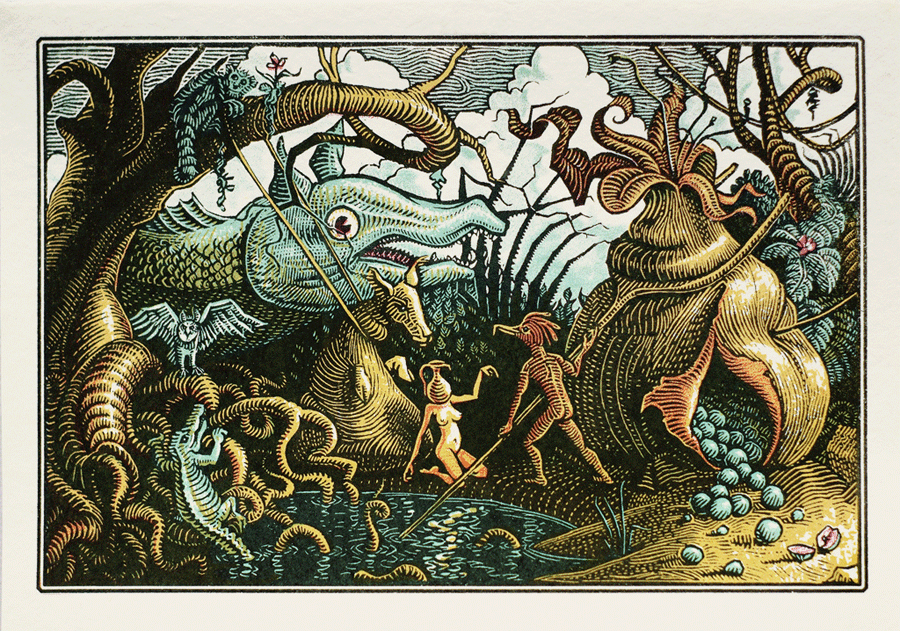
Pond Gathering by Thomas Shahan
Thomas’ woodblock cuts harken back to an earlier era than I was focused on. But his absolute reveling in the squishy fecundity of nature amazed me! His work has such a sense of place. It’s so disturbingly fascinating.
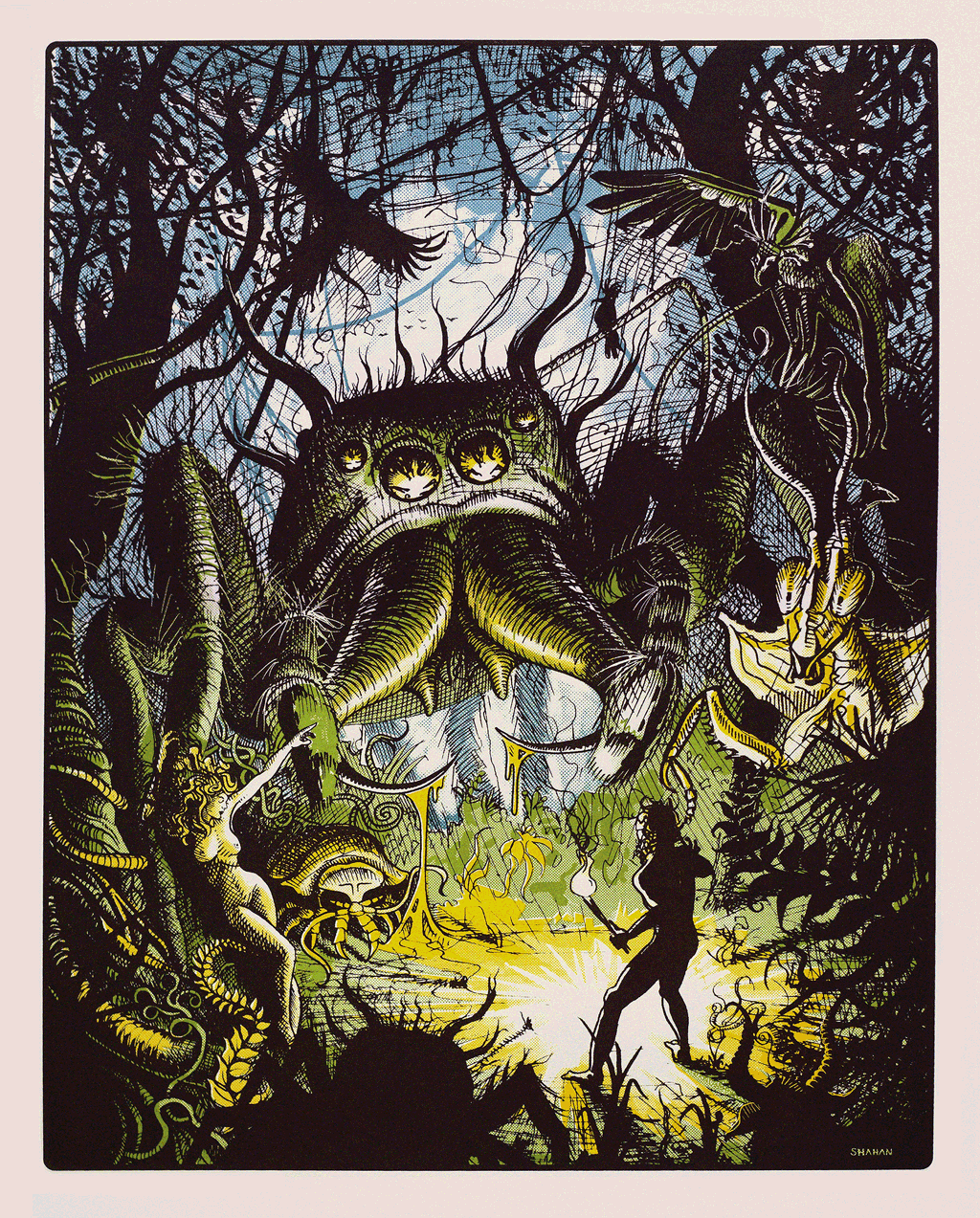
Peregrinus by Thomas Shahan
I sent him an email asking if he was free and possibly interested in working on a video game. It turns out he was just finishing art school and was interested. I sent him a screenshot of the game and he sent me a mock-up of the screenshot as it might appear with his art. I was blown away by the result.
It turns out he’s also a pretty big video game nerd. When we started corrosponding he sent me a link to an old Genesis shooter called Bio-Hazard Battle which has a nice organic feel. I’ve also seen him go toe to toe with Alex Neuse in an Atari nostalgia-off. Which makes no real sense since Thomas is way too young to have played any Atari games.
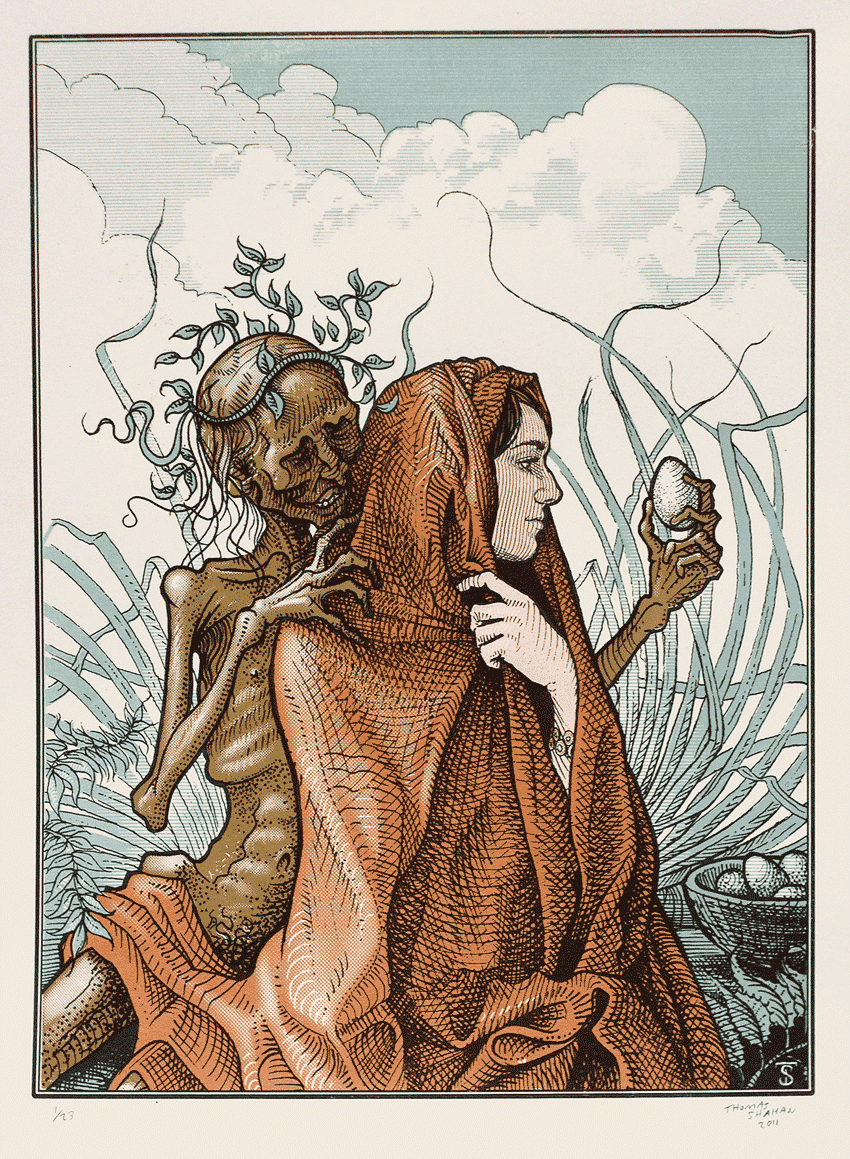
The Proposed Egg by Thomas Shahan
A few weeks ago Thomas came out to San Francisco where Sarah and I are staying and we spent a solid week on the game together (although we did find time to go spider hunting in Golden Gate Park).
So far he’s been doing an amazing job. I put together a secret game-play video and showed it around GDC and people went a little nuts for it.
I’ll begin showing off his work in future posts. I don’t want to show you everything at once for fear of blowing your mind out through the top of your skull.
I helped demo IGF nominees Faraway and the very musical Pugs Luv Beats.Last week was my first GDC as an indie developer, and hoh boy were those goodtimes!
I helped Colin present in a talk about failure (Incredipede was the happy ending), and co-demoed Steph Thirion’s game Faraway in the Independent Games Festival. During the awards ceremony they gave us all BlackBerry PlayBooks, so I now have little excuse not to port Rebuild to it.
I sat down to get it running today and spent far too long stepping through RiM’s convoluted developer security setup, which took me even longer than Apple’s similarly obtuse system. There are severaltutorials out there but some were out of date or assume you have Flash Builder (I use FlashDevelop). So as of March 2012, here’s what you do to get your SWF running as an app on your PlayBook:
Step 1: Request a CSJ code signing key from BlackBerry.com (takes a couple hours).
Step 6: From FlashDevelop, hit F5 to build your SWF and test it locally using ADL.
Step 7: Edit & execute the following to package and install the app:
@echo off
:: AIR application packaging
:: More information:
:: http://livedocs.adobe.com/flex/3/html/help.html?content=CommandLineTools_5.html#1035959
:: http://www.hsharma.com/tutorials/10-easy-steps-to-package-and-sign-air-apps-for-playbook/

:: Path to Flex + AIR SDK
set PATH=%PATH%;C:\Program Files (x86)\Adobe\Flex451AIR31\bin

:: Path to Blackberry
set PATH=%PATH%;C:\Program Files (x86)\Research in Motion\blackberry-tablet-sdk-2.0.0\bin

:: Path to Java
set PATH=%PATH%;C:\Program Files (x86)\Java\jre6\bin

:: package swf and assets into a bar then install to device and run the app
call blackberry-airpackager -package airplaybook.bar -installApp -launchApp application.xml bar-descriptor.xml airplaybook.swf blackberry-tablet-icon.png landscape-splash.png portrait-splash.png -devMode -device [YOUR_DEVICE_IP] -password [YOUR_PASSWORD]

pause
If all goes well, you should see Main.as (a red square on a black background) appear on your BlackBerry. Chances are good that some parts of the debug token installation aren’t necessary but it got the job done.
Rebuild actually ran the first time, and quite well which was an unexpected surprise. Now I need to adjust the fonts and aspect ratio, then go through what promises to be another certification nightmare to package it for sale in the BlackBerry App World. It’ll probably take two or three days total, so no great loss if it bombs.
Rebuild should be out for the PlayBook by the end of the month!
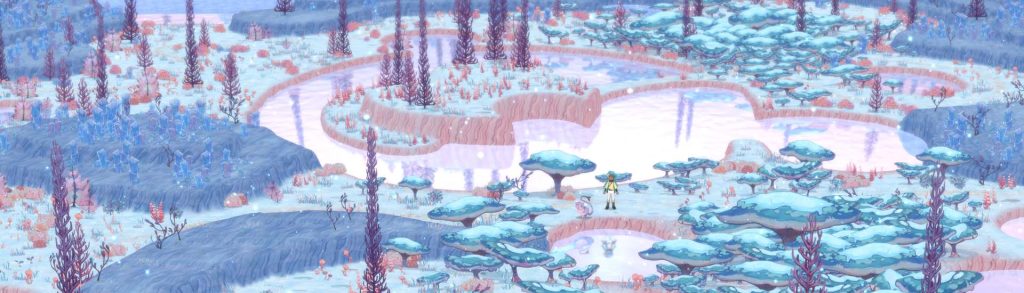
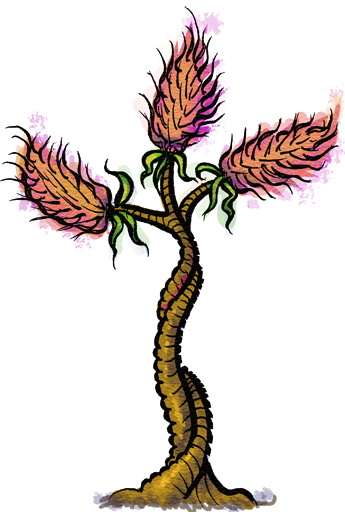 Jordan Fehr is Joining the Incredipede team as the game’s sound designer. I’m a big fan of his work. He’s done a great job on other games like Super Meat Boy, Snapshot, Jamestown and others.